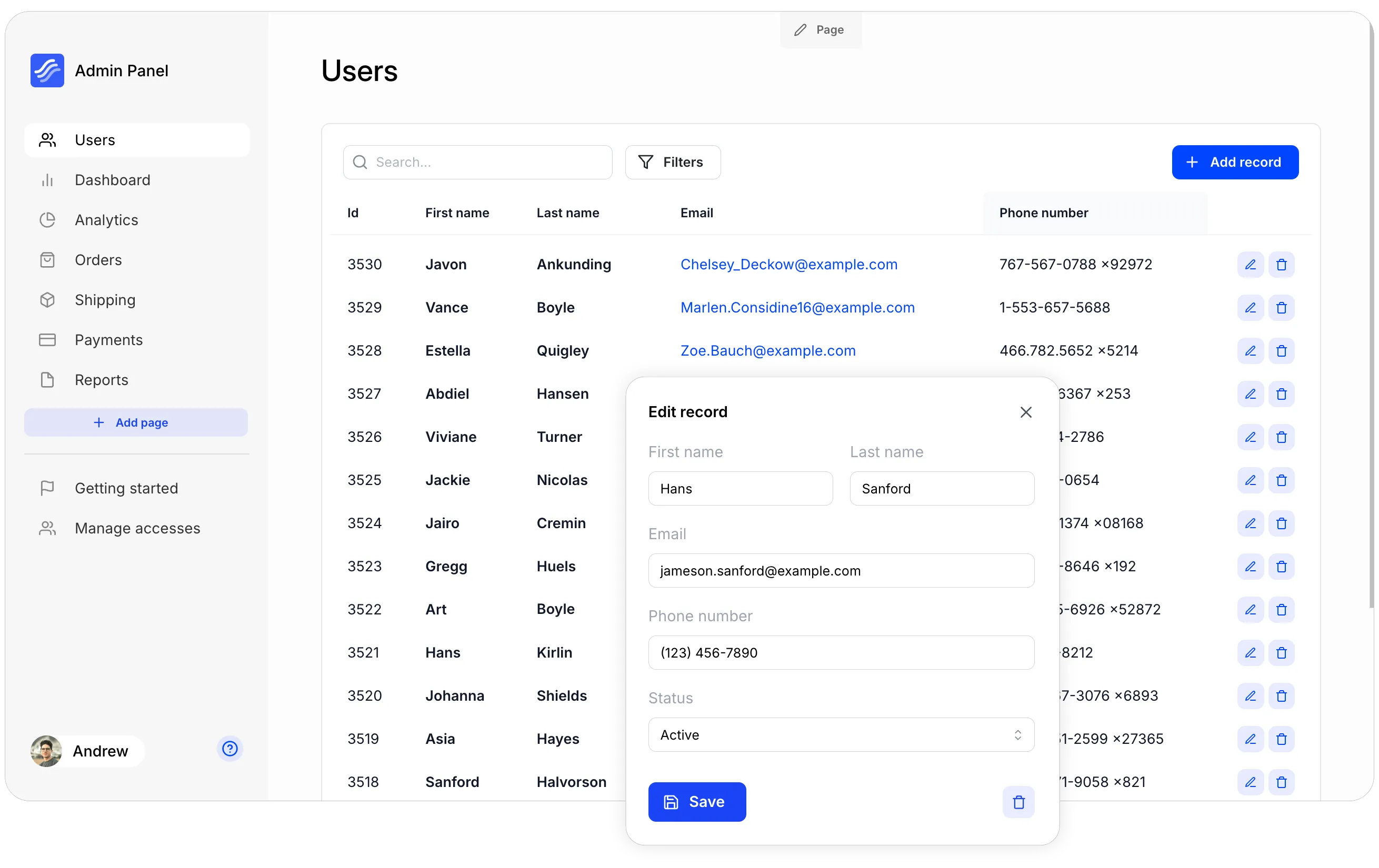
Kottster is a Open Source admin panel built with Node.js, React, Remix, Vite, Tailwind, and TypeScript. It supports databases like Postgres, MySQL, MariaDB and more to come.
It is self-hosted solution that can be deployed with a few simple steps.
Step 1: Create a new project
npx @kottster/cli new
cd <project-name>
npm run dev
It will start a server on http://localhost:5480 or a different port if 5480 is already in use.
Step 2: Sign up and create a new app
When you run the app for the first time, you’ll be redirected to an authentication form. Click the “Create an account” link to go to the sign-up page and create your account.
Step 3: Connect your database
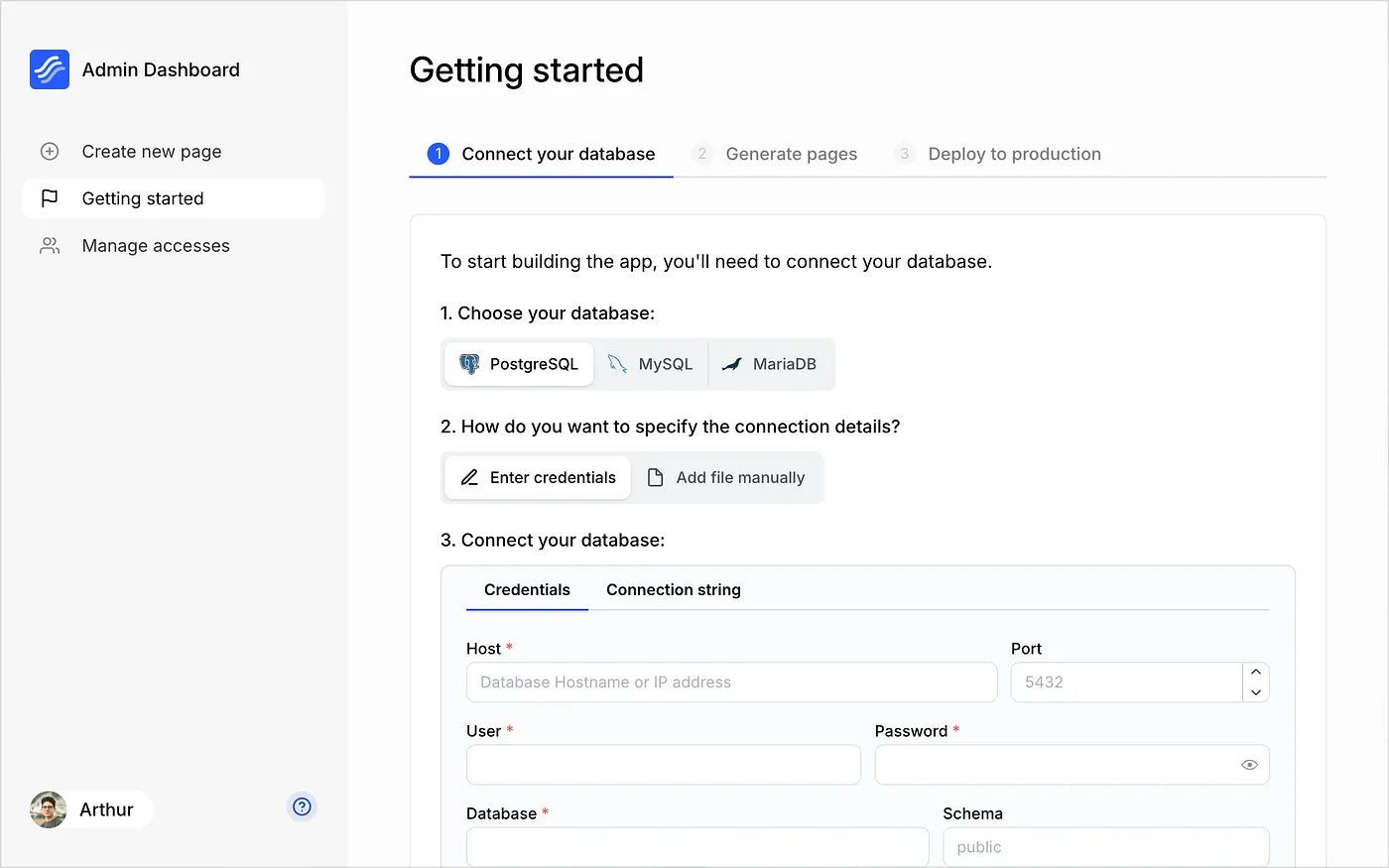 After creating an app, you‚Äôll land on the “Getting Started” page, where you can connect your database. Select the database you want to connect and enter the connection details.
Step 4: Build your admin panel
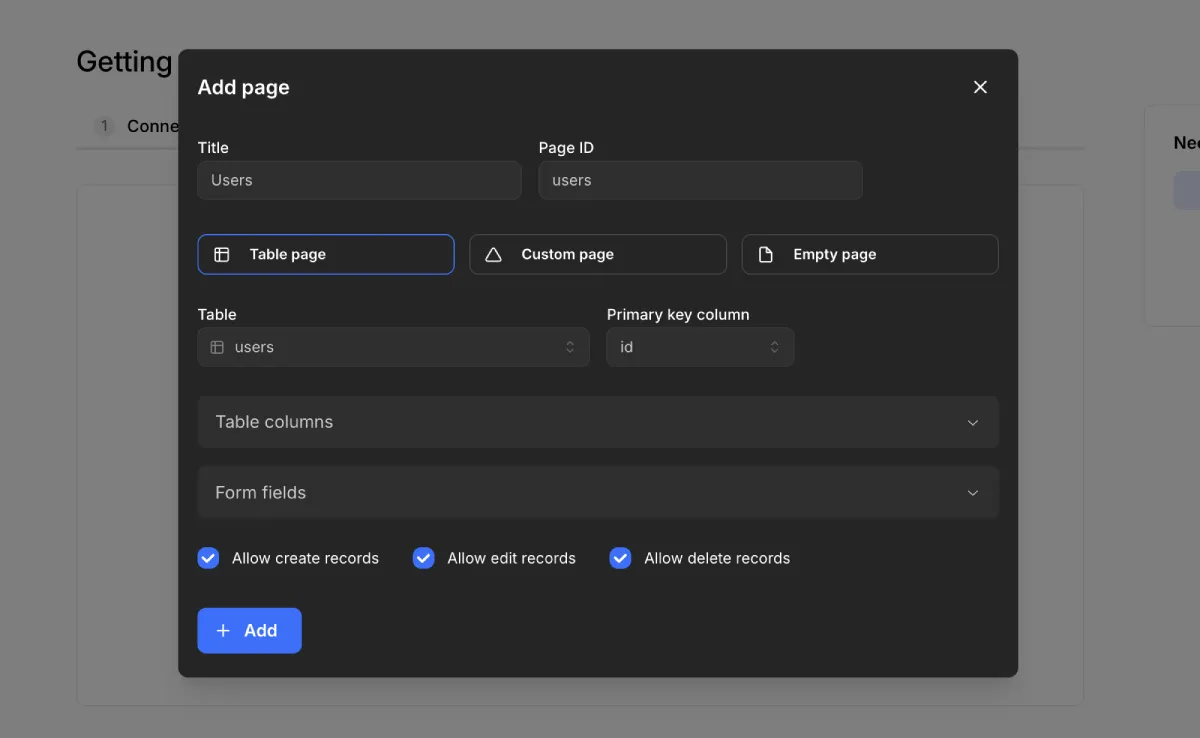
You can create a new page by clicking the “Add Page” button in the sidebar. In the modal window, enter a name for the page and choose the type of content you want to generate.
Step 5: Deploy your admin panel
The Kottster app you build is a Remix app running on a Node.js server, so you can deploy it anywhere, including popular cloud providers.
To learn more about Kottster project, you can visit Kottster Website